
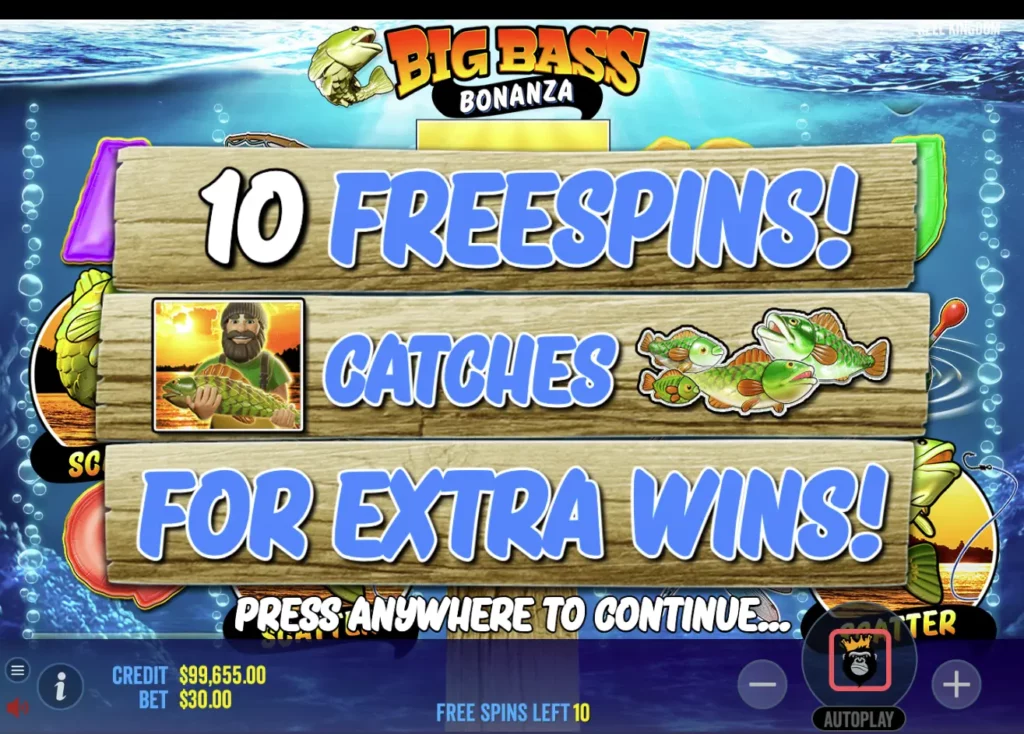
Anyone who tests online slots as a career will confirm the same thing: a great session depends on your tech, not your luck. If you are in Canada and want to try your hand at Bigger Bass Bonanza, getting the technical details right is what keeps the game fun instead of frustrating. This guide includes everything you need to know about browsers, devices, and specs. Think of it as checking your gear before a fishing trip.
Mobile Device Compatibility: iOS & Android
Bigger Bass Bonanza has been created to work on phones and tablets. On Apple devices like iPhones and iPads, the game works well on Safari. Just ensure your iOS has version 13 or newer. For Android customers, Chrome and other popular browsers operate without issue. I’d suggest a device with a base of 2GB RAM to maintain the animations seamless. The game adapts itself to suit your screen, so either layout both work.
Essential Browser Options and Permissions
Sometimes, a game that fails to load is tripped up by a simple setting. First, make sure JavaScript is enabled. It powers every engaging part of the game. You should also enable cookies from the casino website. These little files often store your login and game state. Pop-up blockers might need to be disabled for the casino site so bonus info and game windows can open. It also is beneficial to empty your browser’s cache and cookies every so often. Outdated, stored data can sometimes lead to conflicts.
Why Technical Requirements Matter for Online Slots
Many people think any phone or computer works with a slot game. The truth is a bit more complex. Proper specs mean the graphics render properly, the reels rotate seamlessly, and bonus rounds kick off without a stutter. Take for example Bigger Bass Bonanza has animated fish and lively free spin sequences. If your setup isn’t up to par, you might experience lag, visual errors, or a game that won’t start at all. It’s like having a snagged fishing line just as the big one hits.
Operating System and Software Updates
This is a simple but vital habit: keep your device’s operating system modern. For Windows computers, Windows 10 or 11 is your best bet. Mac users should run macOS Catalina (10.15) or a later version. These operating systems get updates that fix security holes and enhance performance, which assists your browser run more efficiently. The identical logic applies to the browser itself. Regular updates provide you have the newest support for HTML5 and WebGL, the technologies that render Bigger Bass Bonanza’s underwater world look realistic on your screen.
Internet Speed and Network Stability
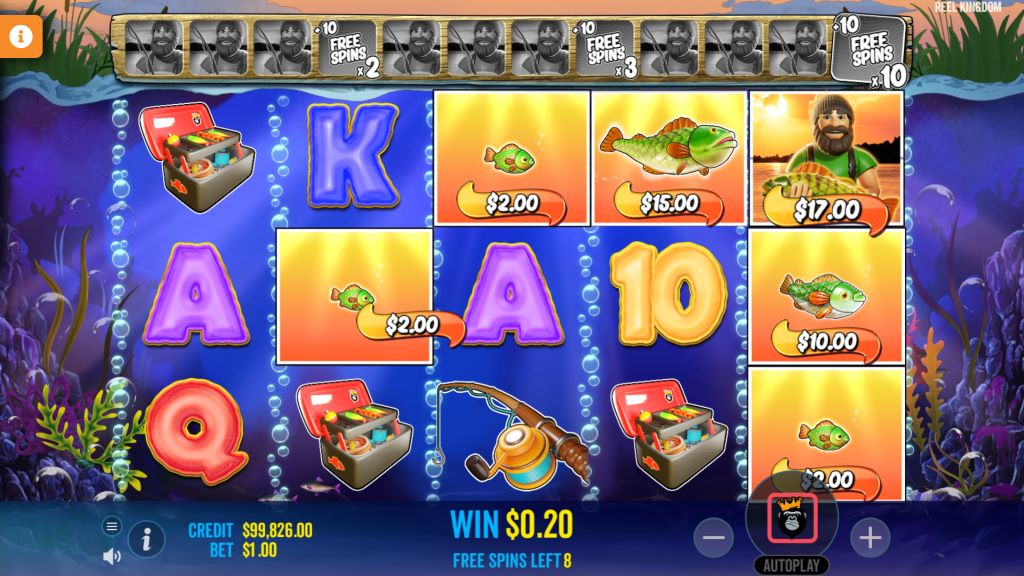
You don’t require a premium fibre connection, but your internet does need to be steady. A download speed of at least 3 Mbps is adequate for standard play. If you prefer the graphics at their sharpest, aim for 5 Mbps or more. Stability is truly more important than raw speed. A connection that dips can freeze the game right in the middle of a free spin bonus. If you’re using mobile data in Canada, try to have a strong 4G, LTE, or 5G signal. For longer sessions, Wi-Fi is a more sensible choice to avoid burning through your data plan.
Ensuring Safe and Secure Gameplay in Canada
Hardware requirements aren’t just about performance; they’re about safety, too. Play exclusively at licensed online casinos that are regulated by bodies like the Kahnawake Gaming Commission or a Canadian provincial authority. A secure site uses HTTPS encryption. You will notice a padlock icon in your browser’s address bar. This protects your personal and payment details. Be cautious of anyone asking you to download special “client” software to play Bigger Bass Bonanza. The real game runs right in your browser on the casino’s official site.
FAQ
Can I play Bigger Bass Bonanza with my older iPad?
Most likely, but limitations exist. The game demands iOS 13 or above and a browser that supports HTML5. If your iPad can update to that iOS version, it ought to work. Be aware that older hardware could struggle, leading to some lag in the animations. Before starting, close any other apps you have open. This frees up memory and can help an older device manage.
Why does the game keep freezing during the free spins feature?
Freezing during feature rounds are typically linked to your internet connection. The game loads new graphics and running more calculations. Begin by verifying your connection’s stability. If you’re on Wi-Fi, attempt to get nearer to the router. Verify your browser is up to date and that hardware acceleration is turned on in its settings. If you still have trouble, look for a graphic quality setting in the game menu and lower it.
Must I download any software to play this slot?
No downloads are required. Bigger Bass Bonanza uses HTML5 technology, which means it operates directly within your web browser for computers, phones, and tablets. This instant-play format is normal at licensed Canadian casinos. Simply log into your casino account using your browser, search for the game, and click to start playing.
What steps should I take if the game screen appears too small or cropped?
This is typically a zoom or display setting problem. To start, check that your browser zoom level is set to 100%. On a computer, the game window often has its own full-screen button. On a phone or tablet, try rotating your device; the game should resize to fit. If the issue continues, test the game in a different browser. Some handle page scaling in their own way.
Are the system needs distinct for playing for real money vs. free play?
The game’s technical needs are the same whether you play for fun or for cash. The software is identical. The difference with real-money play involves security. You need to be logged into a secure casino account and might make deposits or withdrawals. That makes it extra important to confirm you’re on the casino’s official site (look for HTTPS) and that the casino holds a valid license.
Verifying your tech for Bigger Bass Bonanza is a quick task that makes all the difference. Update your software, pick a compatible browser, and find a stable internet connection. With that resolved, you can concentrate on the game. A bit of preparation lets you enjoy the fishing theme without your gear letting you down.
Fixing Common Loading Issues
Even with perfect specs, things can go wrong. When the game won’t load, I check this list. Start by reloading the page. If that does nothing, clear your browser’s cache and cookies for that particular casino site. Try turning off any extensions or ad-blockers you have running; they can block parts of the game. Check that you don’t have other apps consuming your bandwidth. As a last local step, try a different browser. If the problem persists, it might be an issue with the casino’s servers, and you should notify their support team.
- Execute a hard refresh (Ctrl+F5 on Windows, Cmd+Shift+R on Mac).
- Delete the browser’s cache and cookies for the casino site.
- Switch off all browser extensions or add-ons temporarily.
- Check your connection: swap from Wi-Fi to a wired cable, or the other way around.
- Try signing in on a different device to see if the problem affects you.
Desktop vs. Mobile: Contrasting the Gameplay
Picking between a computer and a phone depends on your taste and where you are. On a desktop, you get a bigger, more engaging perspective. You can actually notice the fine points in the underwater scenery. Playing on mobile is focused on ease, letting you play from any place. The game itself, including all its features and payouts, is exactly the identical on both systems. I prefer the tactile feel of tapping the spin button on a phone screen. On a computer, the click of a mouse feels accurate.
Key Browser Tips for Canadian Players
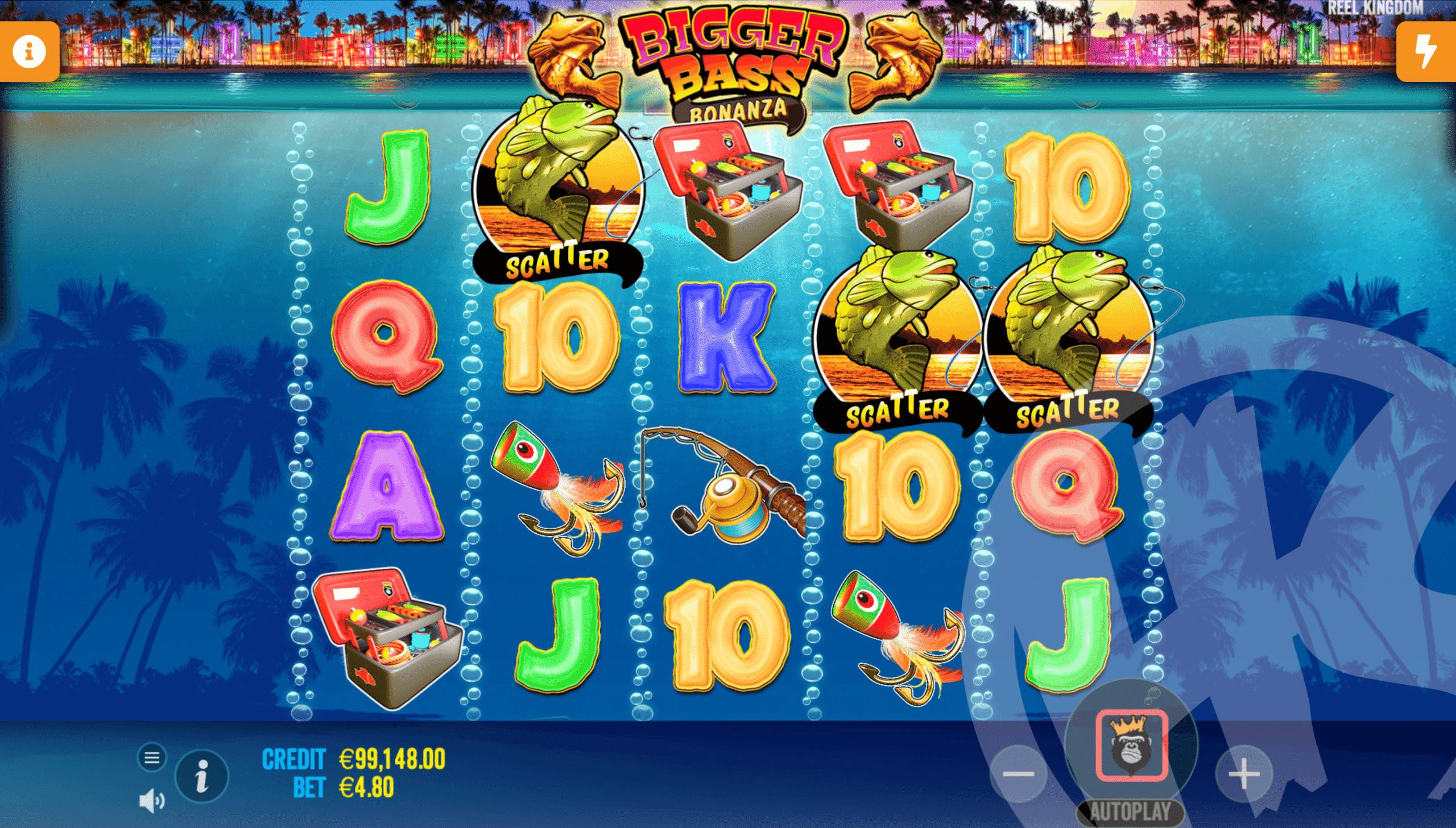
Your web browser is your essential gear https://biggerbassbonanza.ca/. For players across Canada, the most consistent results come from the latest versions of the major browsers. These all provide strong support for HTML5, the technology that runs modern slots including Bigger Bass Bonanza. Updates matter. Older browser versions can miss security patches and performance tweaks that maintain games stable.
- Google Chrome:
- Mozilla Firefox:
- Apple Safari:
- Microsoft Edge: